Your journey as a vintage map.
Upload your route as a GPX file, add photos from the trip and get a poster with the route drawn onto a beautiful map in a hand-drawn style.
Order by December 12 for delivery before Christmas.


Make your poster
Choose your trip, add photos and order. The poster updates as you go.


How to get your GPX file
Garmin
- Go to connect.garmin.com in a browser and sign in.
- Open the activity under Activities.
- Click the gear icon at the top right.
- Choose Export to GPX. The file goes to your downloads.
The Garmin Connect app cannot export GPX, so use the website, ideally on a computer. If your Garmin is linked to Strava, you can also import the trip from Strava here.
Strava
- Open the activity on strava.com in a browser.
- Click the three dots (…) in the menu on the left.
- Choose Export GPX.
The Strava mobile app cannot export GPX, so use the website.
Other watches and apps
Polar, Suunto, Coros and most others can save an activity as GPX. Open the activity and look for export or GPX.
If you have several files from the same trip, you can upload them all at once.
Don't have the file?
Examples
Real trips in a hand-drawn style
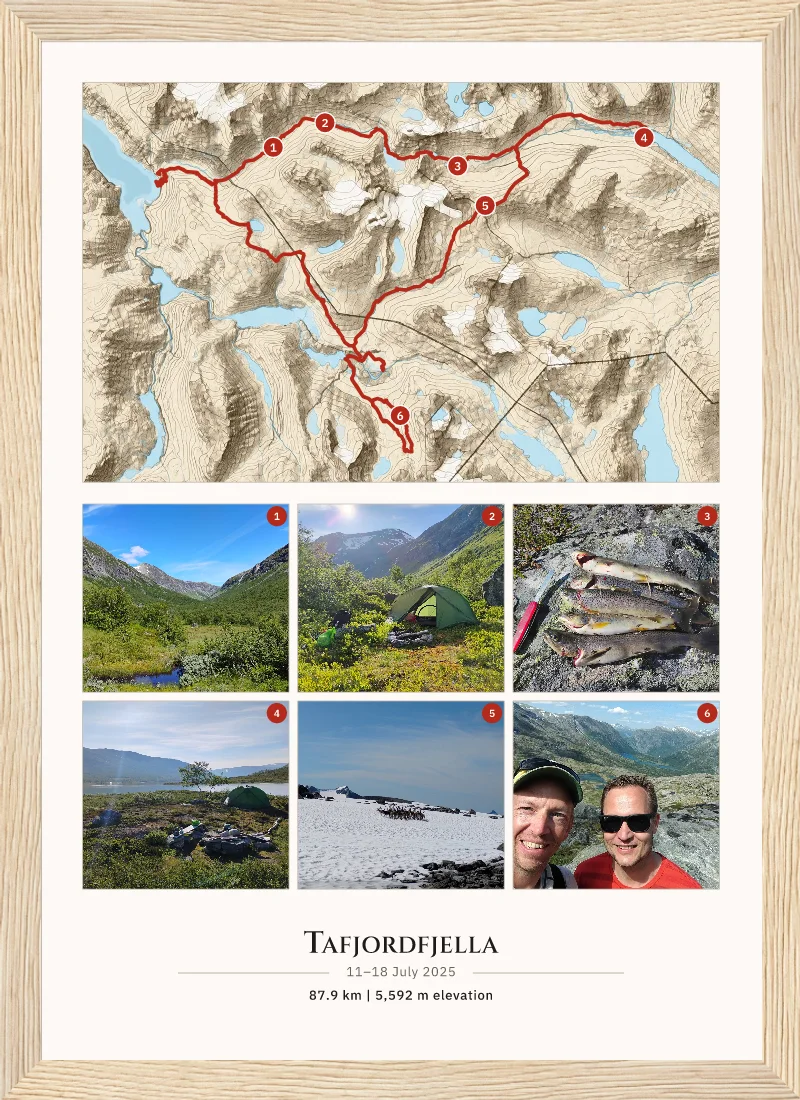
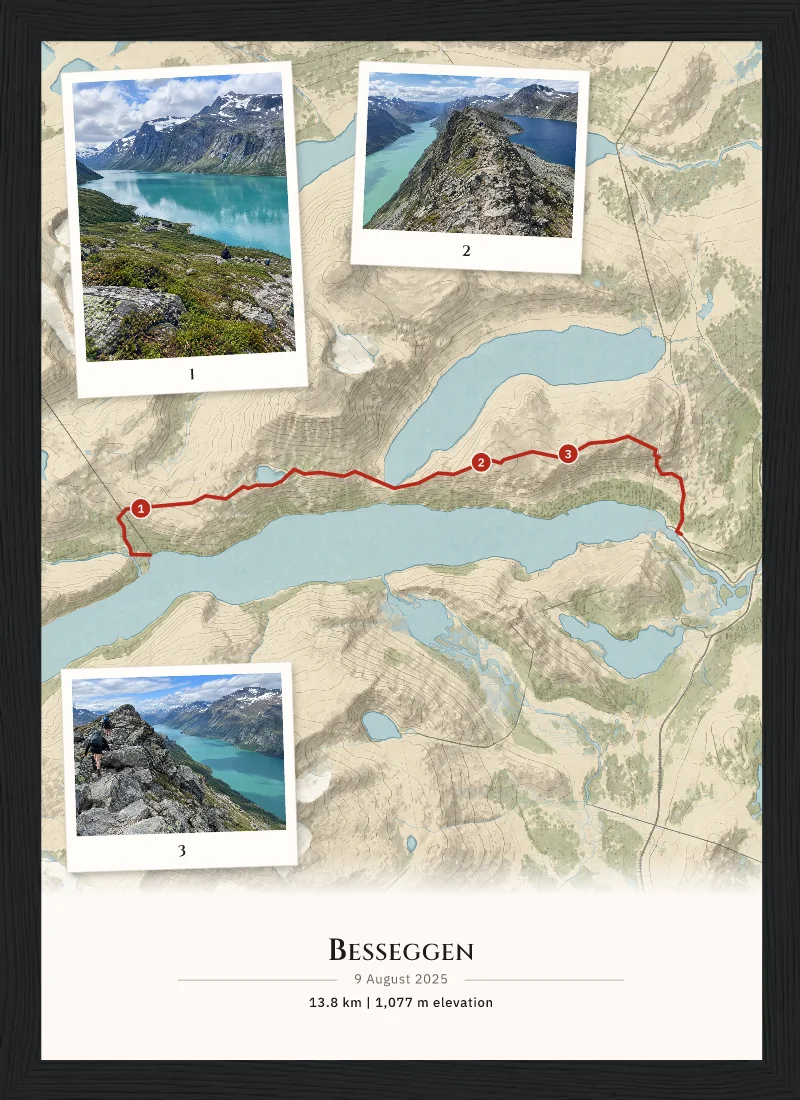
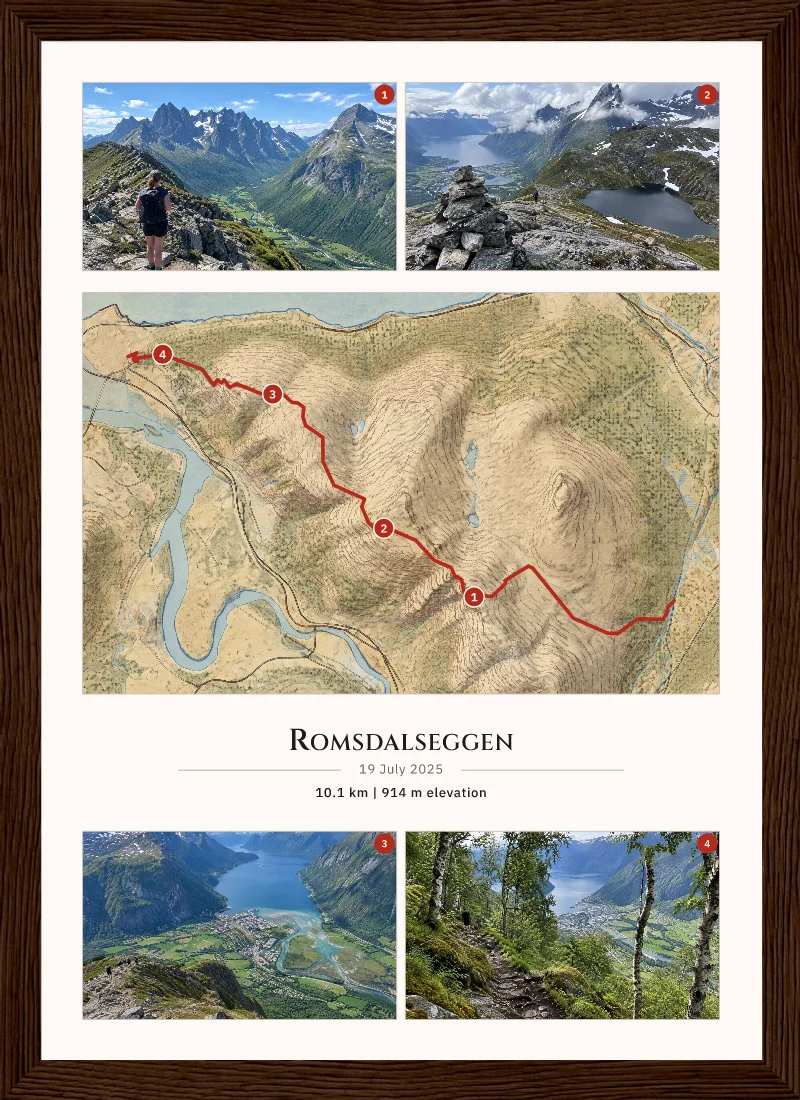
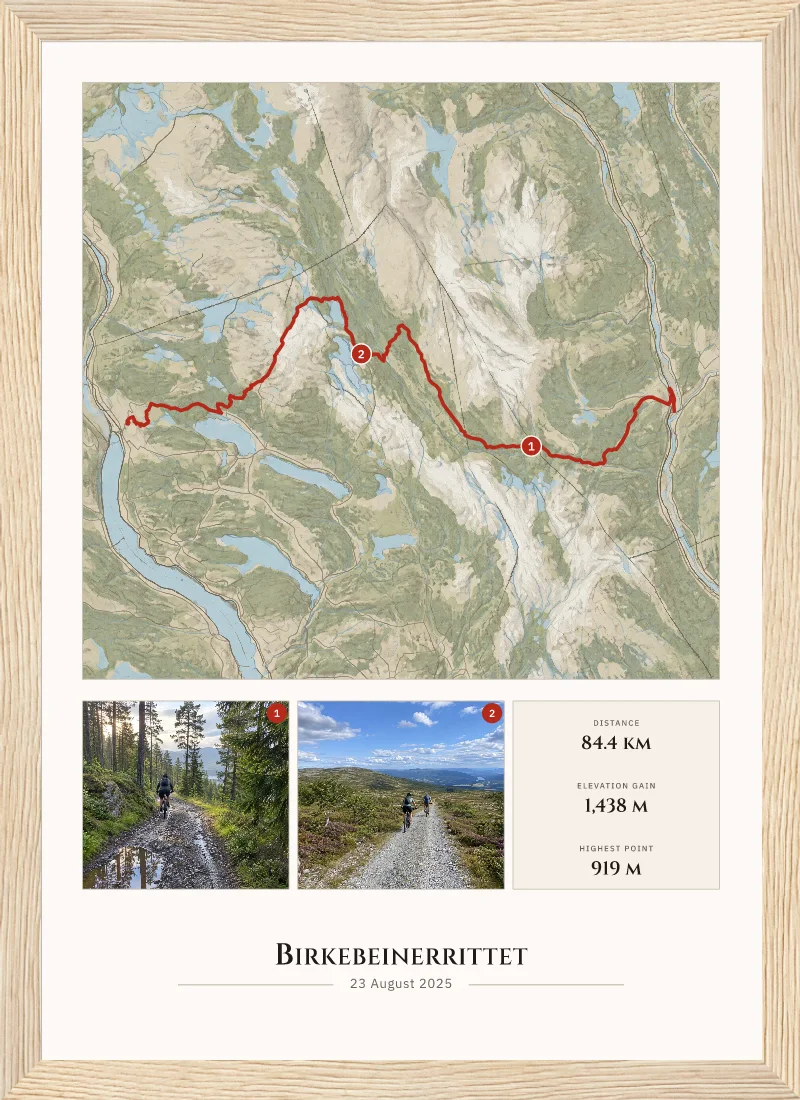
No GPX file? Pick a classic route in step 1. The poster works without photos too. All trails and races
Gift cards
Give a journey
The person you give it to picks the trip and makes the poster when it suits them, from their own GPX file or one of the classic routes.
FAQ
Questions and answers
How much is a poster?
A digital poster to download is $15. A printed A3 poster is $55, and a framed 50 x 70 cm poster is $149. Prices are in US dollars and shipping is included.
How do I get the GPX file from Garmin, Strava or my watch?
Garmin
- Go to connect.garmin.com in a browser and sign in.
- Open the activity under Activities.
- Click the gear icon at the top right.
- Choose Export to GPX. The file goes to your downloads.
The Garmin Connect app cannot export GPX, so use the website, ideally on a computer. If your Garmin is linked to Strava, you can also import the trip from Strava here.
Strava
- Open the activity on strava.com in a browser.
- Click the three dots (…) in the menu on the left.
- Choose Export GPX.
The Strava mobile app cannot export GPX, so use the website.
Other watches and apps
Polar, Suunto, Coros and most others can save an activity as GPX. Open the activity and look for export or GPX.
If you have several files from the same trip, you can upload them all at once.
When will my poster arrive?
The digital poster comes by email. Printed and framed posters are printed close to you and sent by post. To get yours before Christmas, order by:
- United States: December 12
- Canada: December 11
- Australia: December 12
- New Zealand: December 8
- Norway: December 12
Do you have routes for people without a GPX file?
Yes. Under "Choose your trip" you can pick a classic Norwegian route: Besseggen, Romsdalseggen, Trolltunga, Preikestolen, Slogen, the Birkebeinerrittet bike race, the Birkebeinerløpet run and the Oslo Marathon. The routes come from OpenStreetMap, and photos are optional.
How does the gift card work?
You get the gift card as a PDF by email. The person you give it to makes the poster on this site and enters the code in the discount code or gift card field at checkout. The $55 gift card covers a printed A3 poster, and the $149 gift card covers a framed poster. It is valid for two years and can be used once, on distancemade.com.
Which countries do you ship to?
For now we sell to the United States, Canada, Australia, New Zealand and Norway. We don't ship to the EU or the UK yet. Leave your email in the shop and we'll tell you when we do.